Codes
Hyper Draw Roblox codes tracker: active rewards, safe redemption steps, and channels where Studio Giraffe posts new drops now.
View all CodesCodes, drawing tips, and vote-winning guides for Hyper Draw on Roblox.
Unofficial Hyper Draw wiki for Roblox: codes status, brush tier lists, controls, and vote-winning guides updated for Nov 2026 play.
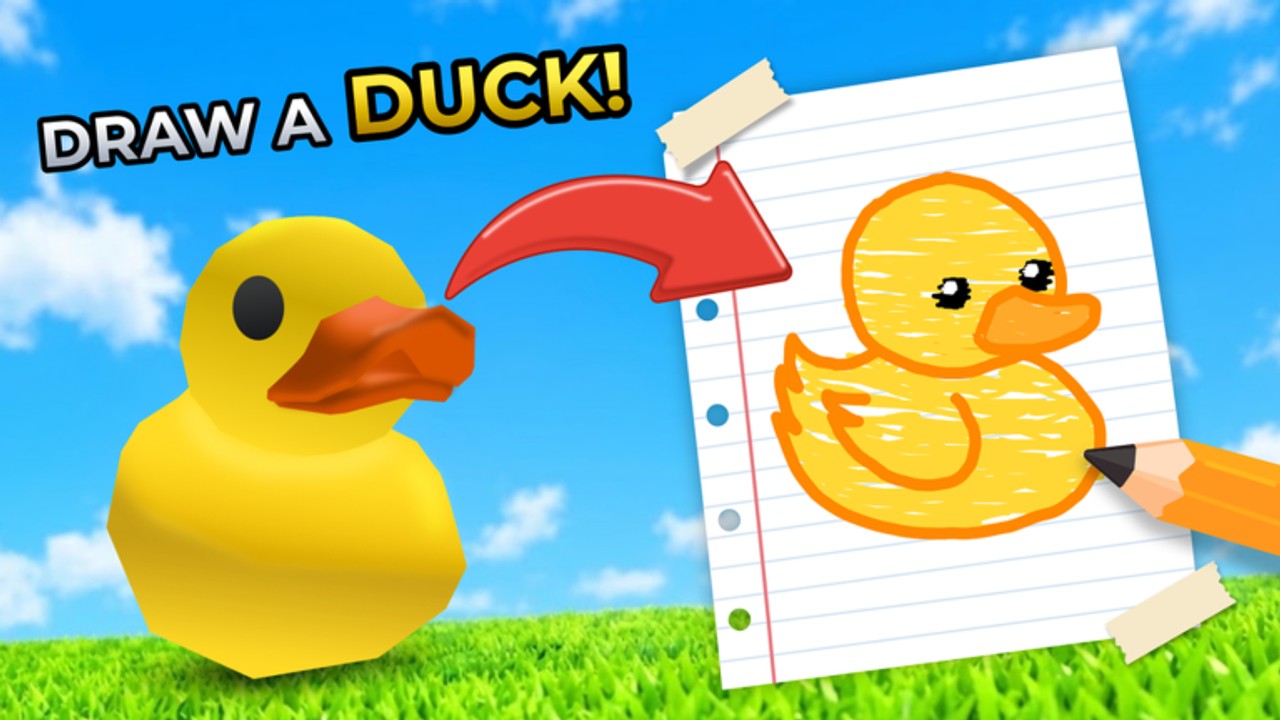
Hyper Draw is Studio Giraffe’s free Roblox drawing competition with advanced brushes, save/load, emoji votes, and moderated art. Start with the beginner guide, then review controls and the tier list.
Hyper Draw Roblox codes tracker: active rewards, safe redemption steps, and channels where Studio Giraffe posts new drops now.
View all CodesHyper Draw Roblox guides hub: beginner walkthroughs, controls, save/load, voting ceremony, drawing tips, and private server help.
View all GuidesHyper Draw tools tier list: crayon, airbrush, watercolor, and utility ranks for clearer art and more vote wins.
View all Tier ListHyper Draw players hub covering lobby etiquette, friend-session plans, party tips, and how art groups practice together well.
View all PlayersHyper Draw updates hub with patch timelines, Studio Giraffe change tracking, and a clear re-test checklist after every release.
View all UpdatesHyper Draw Roblox scripts overview: auto-draw features, executor notes, moderation risks, and safer alternatives for fair play.
View all ScriptsHyper Draw Roblox links hub listing the play page, Studio Giraffe group, community spots, and trusted wiki destinations clearly.
View all LinksOpen the official experience, favorite it, and join a lobby of up to 12 players.
Swap tools instantly and undo mistakes with the controls guide before the timer hurts you.
Crayon for silhouettes, airbrush for soft form, watercolor for washes—see the tier list.
Lock readable shapes with save and load before risky color passes.
Follow drawing tips so voters can name your theme in three seconds.
Use unlimited time extensions and custom themes from the private servers guide, then return to public lobbies.
Quick answers to the most common Hyper Draw questions.
A free Roblox drawing competition by Studio Giraffe with advanced brushes, save/load, emoji voting, and moderated artwork.
Read Getting Started, then claim awareness on codes and study the tier list.
No verified promo codes are active as of November 2026. The codes hub stays updated when drops appear.
This wiki supports: English, Français, Deutsch, Español, Português (BR). Configure locales in site.meta.json and run npm run generate:i18n.
No. It is a fan-made resource. Confirm announcements on the Studio Giraffe Roblox group and the live experience page.
They unlock unlimited time extensions, custom themes, and skips—perfect practice before public votes.
Learn brushes, controls, and readable silhouettes with our guides. Start at Getting Started or jump into the tier list and codes status.
Start with the beginner guide